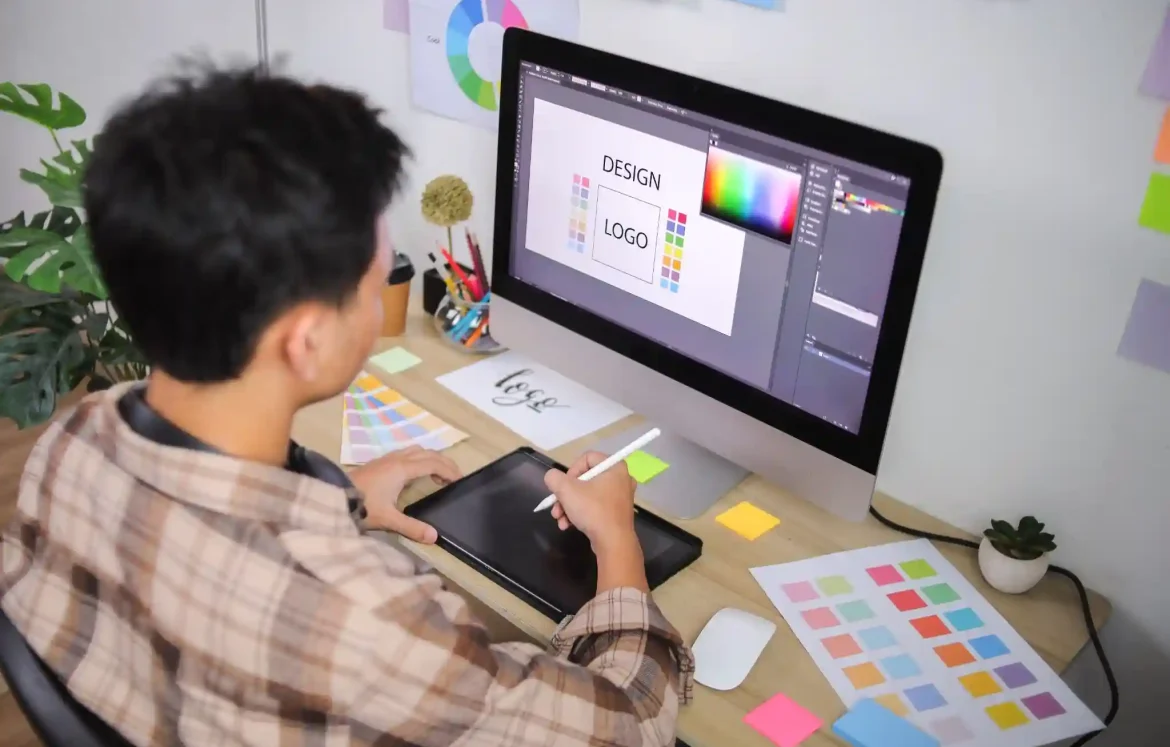
Choosing the right graphic design software can make a significant difference in your creative journey. With so many options available, each offering unique features, it can be challenging to determine which software is the best fit for your needs. The right tools not only help streamline your workflow but also enhance your creativity and productivity. This article will highlight some of the best graphic design software options available today, emphasizing their features and helping you make an informed decision.
Key Features to Consider in Graphic Design Software
User Interface and Experience
When evaluating graphic design software, one of the first aspects to consider is the user interface. An intuitive interface can greatly enhance your workflow, allowing you to focus on your creative process rather than struggling with complicated menus and tools. A clean, organized layout makes it easier to find the features you need, which can save you valuable time.
User experience plays a crucial role in how effectively you can create and manipulate designs. Software that prioritizes usability allows you to experiment without frustration, encouraging more creativity. This can be especially important for designers working under tight deadlines or those who frequently collaborate with others.
Versatility and Functionality
Another essential factor to consider is the versatility of the graphic design software. The best graphic design software should cater to a variety of design needs, whether you’re creating illustrations, editing photos, or designing layouts. Look for tools that offer features like layering, vector support, and text manipulation.
Versatile software allows you to switch between different types of projects without needing to learn a new program for each task. This flexibility can be a game-changer for designers who work on diverse projects, as it helps maintain consistency and efficiency across all your work.
Top Graphic Design Software Options
Adobe Creative Cloud
Adobe Creative Cloud is a powerhouse in the graphic design world, offering a suite of applications that cater to various design needs. Popular programs like Photoshop, Illustrator, and InDesign provide extensive features for photo editing, vector graphics, and layout design, respectively.
One of the strengths of Adobe’s suite is its comprehensive nature; you can find tools for almost any design task. However, the cost of a subscription can be a drawback for some users. While the software is incredibly powerful, it may not be the best choice for casual designers or those on a tight budget.
Affinity Designer
Affinity Designer is a strong contender among the best graphic design software options, especially for those seeking an affordable alternative to Adobe products. It offers a one-time purchase model rather than a subscription, making it a cost-effective choice for many creatives.
The software includes powerful vector and raster tools, making it versatile for different design tasks. Many users appreciate its user-friendly interface and the ability to work seamlessly between both vector and pixel formats. Affinity Designer has gained a loyal following, particularly among freelancers and small studios.
Canva
Canva has become a go-to tool for many creatives, especially those who may not have extensive design training. Its drag-and-drop interface makes it incredibly user-friendly, allowing anyone to create stunning graphics quickly.
Canva is particularly well-suited for social media graphics, presentations, and marketing materials. While it may lack some advanced features found in other software, its simplicity and accessibility make it a valuable tool for those who need to produce high-quality designs without a steep learning curve.
CorelDRAW
CorelDRAW is another established name in the graphic design software landscape. It offers a range of tools for vector illustration, layout, and typography, making it suitable for various design applications.
One of the key advantages of CorelDRAW is its flexibility in handling different file formats, which can be essential when collaborating with clients or other designers. It is particularly popular among print designers and those in the signage industry due to its powerful vector capabilities.
Specialized Software for Niche Needs
Procreate
Procreate is a favorite among digital illustrators and artists, particularly those using iPads. It offers an intuitive interface and a wealth of brushes and tools that cater specifically to illustration and painting.
What sets Procreate apart is its tactile feel; the app is designed to take full advantage of the Apple Pencil, allowing for a natural drawing experience. This makes it an excellent choice for artists who prioritize freehand illustration in their work.
Sketch
For designers focused on user interface and user experience design, Sketch is a leading choice. Its intuitive layout and collaborative features make it ideal for teams working on web and mobile app designs.
Sketch specializes in vector graphics and has a strong ecosystem of plugins that extend its functionality. This software is particularly popular among UX/UI designers, as it allows for easy prototyping and collaboration with clients and stakeholders.
Expert Insights on Choosing the Right Software
Assessing Your Needs
Before diving into the world of graphic design software, take a moment to assess your specific needs. Consider the types of projects you typically work on and the features that are most important to you.
If you primarily focus on photo editing, software like Adobe Photoshop may be essential. On the other hand, if you often create vector illustrations, tools like Affinity Designer or Illustrator might be more suitable. Understanding your requirements will help narrow down your options and lead to a more informed decision.
Trial and Error
One of the best ways to find the right software is through trial and error. Many graphic design programs offer free trials or demos, allowing you to test their features before committing.
Take advantage of these opportunities to explore different software options. This hands-on approach can help you determine which tools feel most comfortable and align best with your workflow. Trying out various programs can provide valuable insights that you might not gain from just reading reviews.
The Future of Graphic Design Software
Emerging Trends and Technologies
As technology continues to evolve, graphic design software is also undergoing significant changes. Emerging trends such as AI integration, cloud-based services, and real-time collaboration tools are shaping the future of design.
These advancements promise to make design processes more efficient and accessible. For instance, AI tools can assist in automating repetitive tasks, allowing designers to focus on more creative aspects of their work. Staying informed about these trends can help you adapt to the changing landscape of graphic design.
Staying Updated
Keeping your graphic design software updated is essential for accessing new features and improvements. Regular updates often include enhancements that can improve usability and address security concerns.
Be proactive in checking for updates to your software, and consider joining online communities or forums where you can stay informed about the latest developments. Engaging with other designers can provide insights into new tools and techniques that can enhance your work.
Conclusion
Choosing the best graphic design software is a critical decision for any creative professional. With so many options available, it’s essential to consider your specific needs, explore various features, and take advantage of trial opportunities. The right software can significantly enhance your workflow and creativity, enabling you to produce outstanding work. Take the time to explore the options discussed in this article, and you’ll be well on your way to finding the perfect tools for your graphic design journey.
Frequently Asked Questions (FAQs)
1. What is the best graphic design software for beginners?
Canva is often recommended for beginners due to its user-friendly interface and simple drag-and-drop features, making design accessible to everyone.
2. How does Adobe Creative Cloud compare to Affinity Designer?
Adobe Creative Cloud offers a comprehensive suite of tools, while Affinity Designer provides a more affordable, one-time purchase option with powerful features.
3. Is Procreate suitable for professional graphic design?
Procreate is excellent for digital illustration and art, but may not offer all the features needed for traditional graphic design tasks, like layout and typography.